Discordアカウントがあれば数分で完了します。Takes just a few minutes with a Discord account.
- トップの「無料サーバーに参加する」ボタンから招待リンクを開くOpen the invite link from the "Join the free server" button on the top page
- Discordでログイン(未登録ならアカウントを作成)Log in to Discord (or create a free account)
- 「参加する」を押してサーバーに入るTap "Join" to enter the server
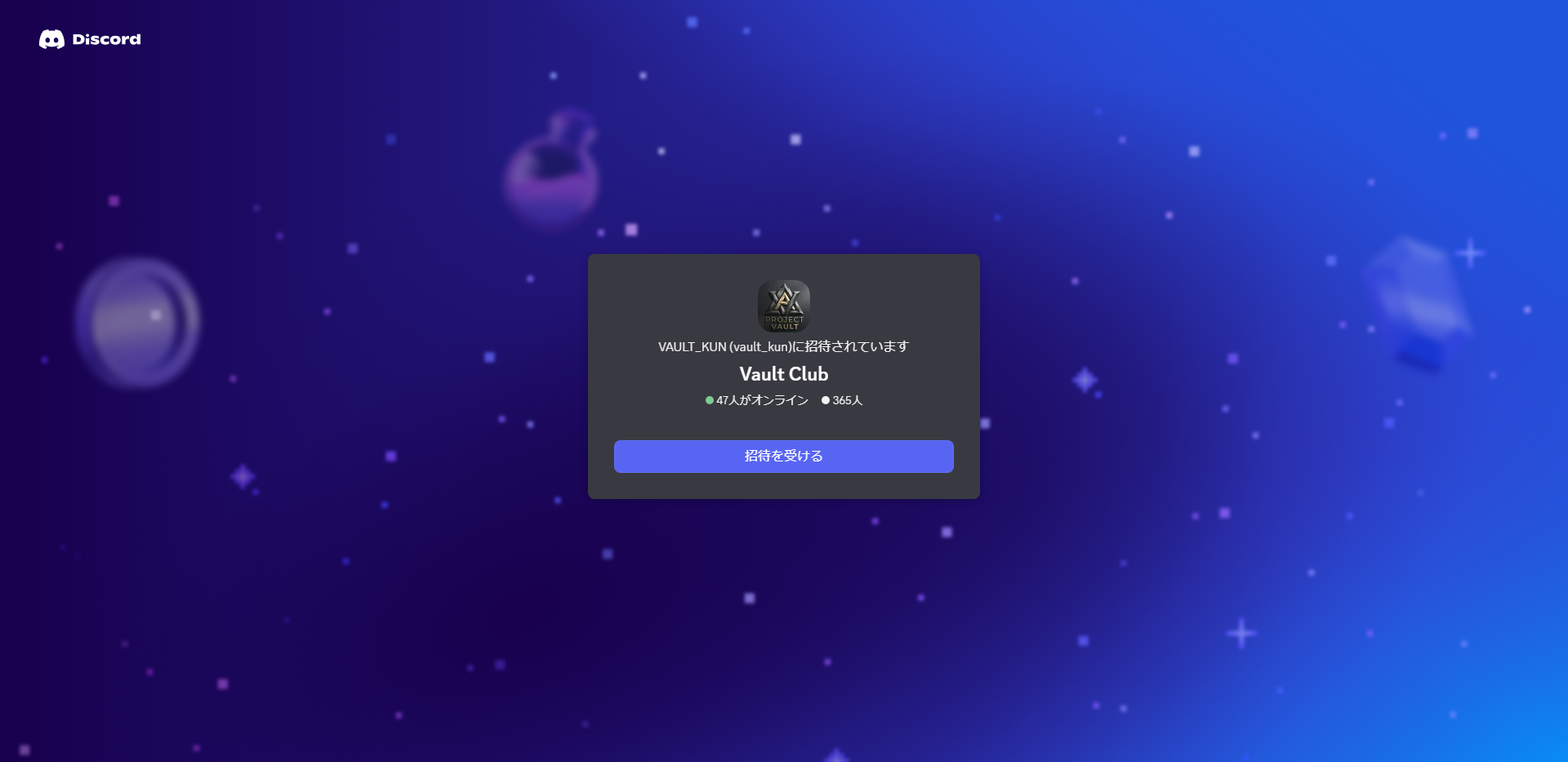 招待リンクから「参加する」Tap "Join" from the invite link
入ったら、まずここをチェック。Once you're in, check here first.
- サイドバーからギャラリーのチャンネルを開くOpen the gallery channel from the sidebar
- 日替わりで投稿される新作イラストを閲覧Browse new illustrations posted daily
- 無料会員登録はこれで完了That completes free membership signup
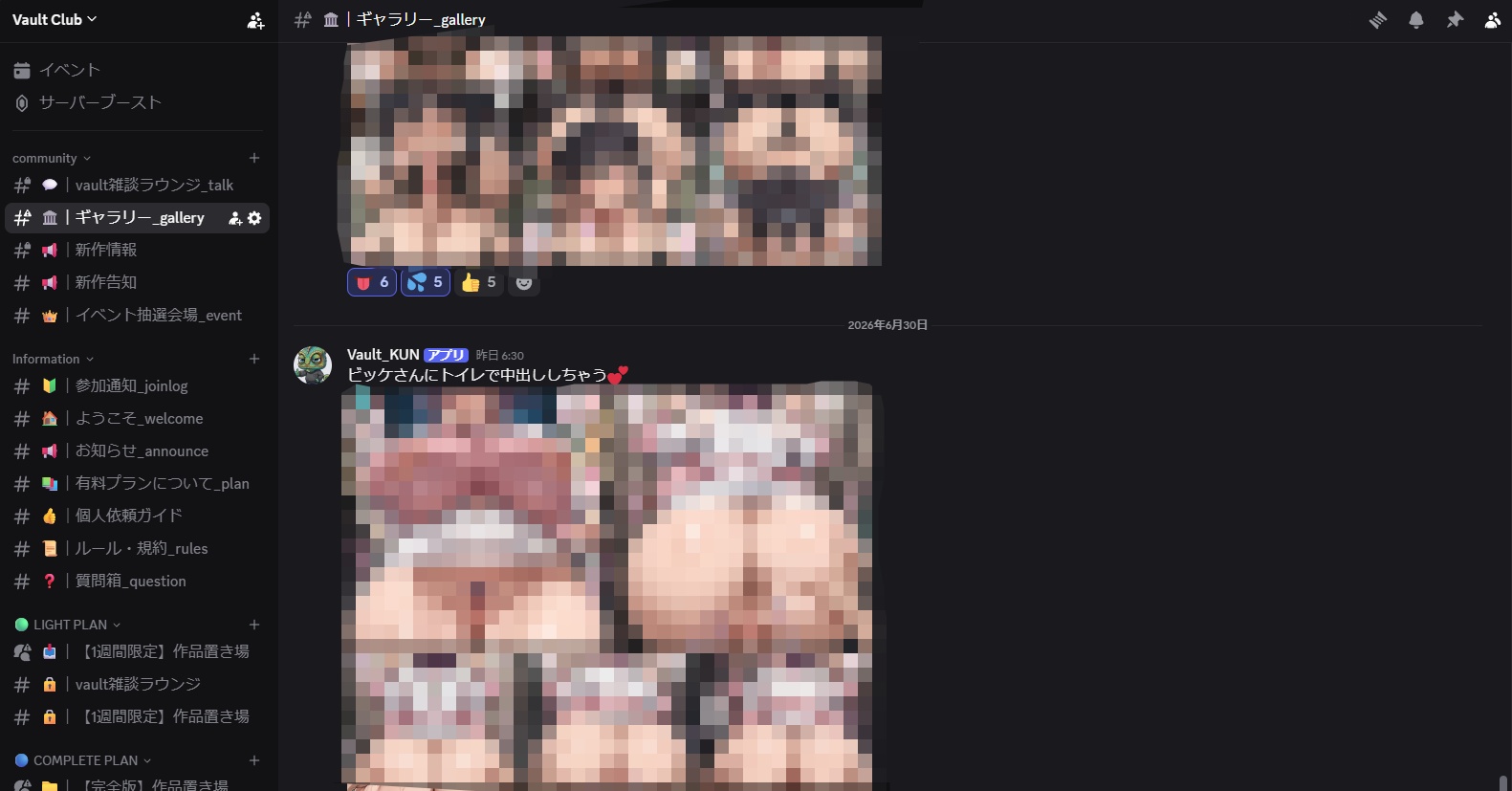 サイドバーの「ギャラリー_gallery」チャンネルを開く(作品はモザイク処理)Open the "gallery" channel in the sidebar (works are mosaicked)
有料コンテンツへアクセスするにはPatreonに登録する必要があります。To access the paid content, you need to subscribe on Patreon.
- トップの「有料プランに登録する」または、以下の「有料会員登録はコチラ→」からPatreonの登録ページを開くOpen the Patreon page from "Subscribe to a paid plan" on the top page, or the "Subscribe to a paid plan →" button below
- プランを選ぶ(迷ったらCompleteがおすすめ)Choose a plan (Complete is recommended if unsure)
- Patreonアカウントを作成、またはログインCreate a Patreon account, or log in
- カード情報または、Paypalの情報を入力して決済 → 加入完了Enter your card or PayPal details and pay — subscription complete
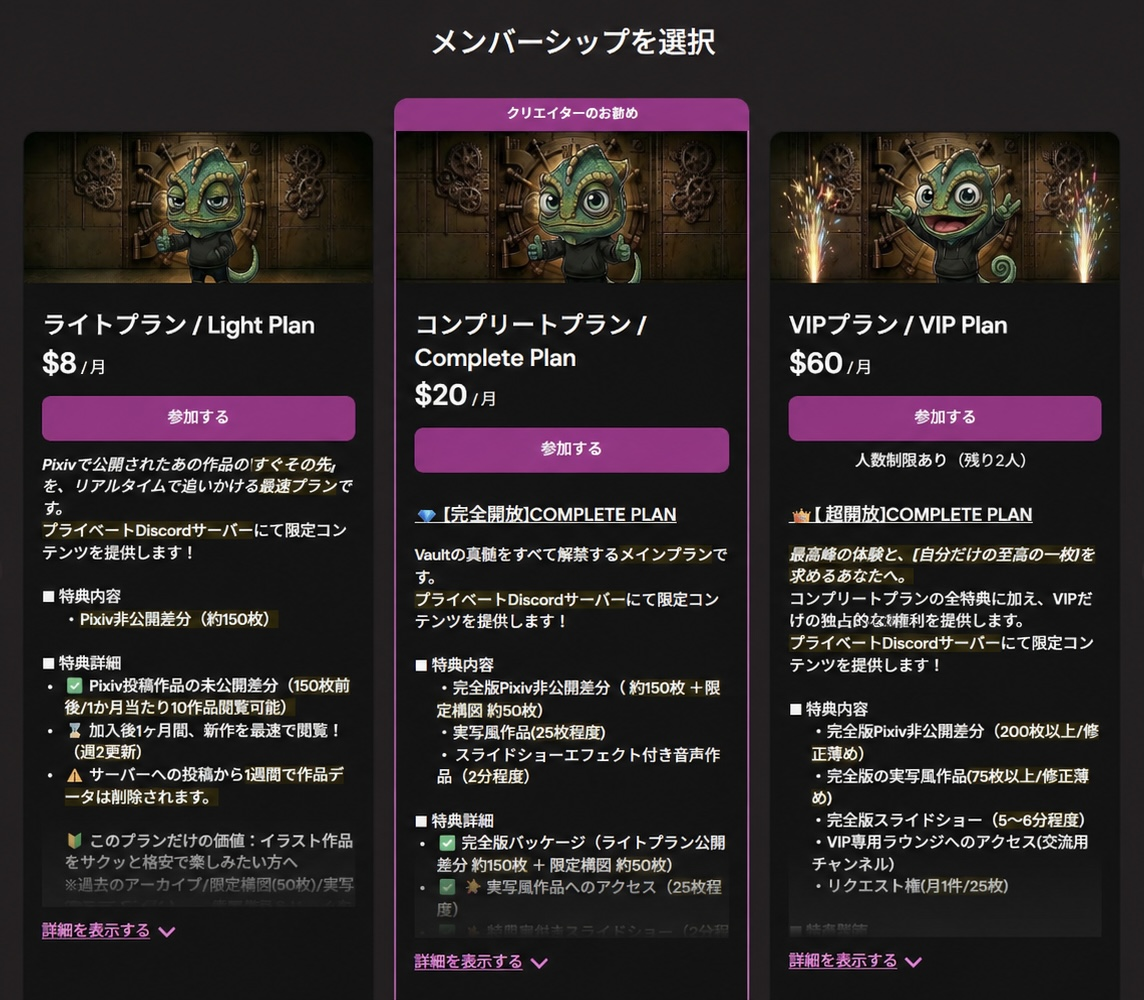 ① プラン選択(迷ったら Complete)1. Choose a plan (Complete if unsure)
- Patreonの設定 → その他 → 接続中のアプリ → Discordを開くOpen Patreon Settings → More → Connected apps → Discord
- Discordにログインし、承認(Authorize)するLog in to Discord and Authorize
- Vaultサーバーに有料ロールが自動付与される(反映に数分かかる場合あり)Your paid role is granted automatically on the Vault server (may take a few minutes)
- Discordで有料チャンネルが表示されているか確認Check that the paid channels now appear in Discord
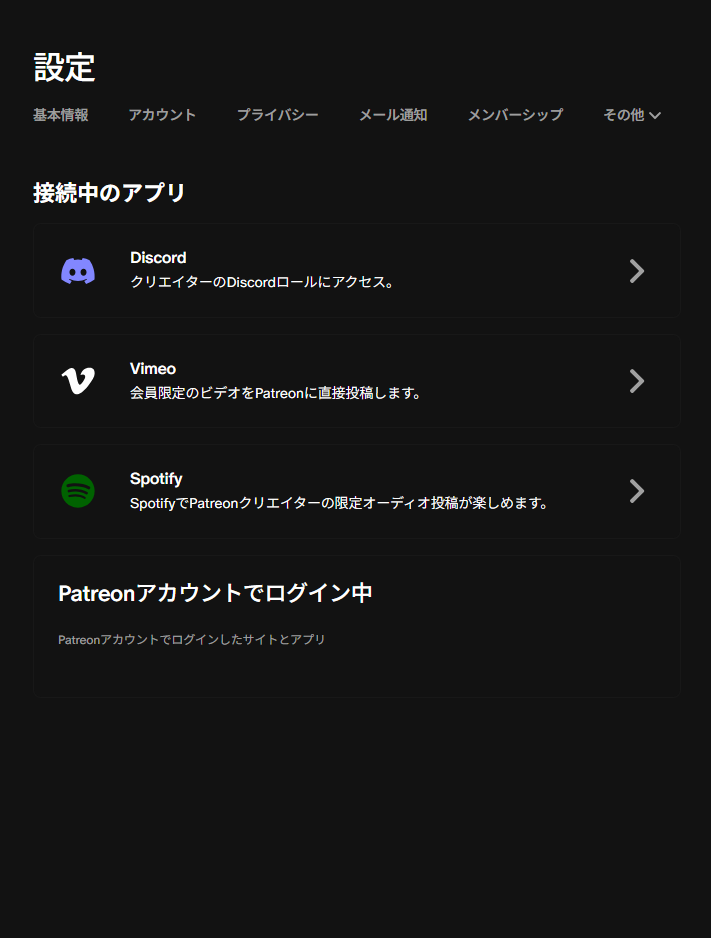 ① 設定 → その他 → 接続中のアプリ
一覧から「Discord」を選んで連携する1. Settings → More → Connected apps
Select "Discord" from the list to link
うまくいかない時If it doesn't work
反映には数分かかることがあります。少し待ってから再確認を。It can take a few minutes to sync. Wait a bit, then check again.
連携したDiscordと、参加中のDiscordが同じアカウントか確認(別アカウントだと付きません)。Make sure the Discord you linked is the same account you joined with (a different account won't get the role).
広告ブロッカー等でポップアップが塞がれると連携画面が出ないことが。拡張機能を一時オフに。Ad blockers can block the pop-up so the link screen never opens. Turn off extensions temporarily.
Discord(無料)は参加サーバーが100個まで。超えていると付与されないので、不要なサーバーを退出。Free Discord allows up to 100 servers. Over the limit the role won't apply — leave a few servers.
それでも直らない時は、Discord連携を一度解除 → 再接続。解決しなければ DiscordのDM へ。Still stuck? Unlink Discord, then reconnect. If that fails, reach us via Discord DM.
連携できたら、これで完了!Linked? You're all set!
サーバーで作品を見る →See the works on the server →- 支払いはどうやる?How do I pay?
- クレジットカードまたはPaypalで月額のサブスクとして登録します。請求は毎月自動です。
【PayPal決済についての注意点】
・PayPalに「銀行口座」または「クレジットカード」の連携が必須となりますYou subscribe monthly by credit card or PayPal. Billing is automatic each month.
[Note on PayPal]
· PayPal requires a linked bank account or credit card. - 有料ロールが付かない/作品が見えないMy paid role didn't appear / I can't see the works
- 多くはDiscord連携が未完了か、反映待ちです。STEP4の連携をやり直し、数分待っても付かなければDiscordのDMでお問い合わせください。Usually the Discord link isn't complete or is still syncing. Redo STEP 4, and if it doesn't appear after a few minutes, contact us via Discord DM.
- 解約したいHow do I cancel?
- Patreonの設定からいつでも解約できます。次の請求日以降は課金されません。Cancel anytime from your Patreon settings. No charges after the next billing date.
- 退会したいHow do I leave?
- 有料は解約後、Discordサーバーからも退出できます。手順が不明な場合はDMでご案内します。After canceling your paid plan, you can also leave the Discord server. DM us if you need help.